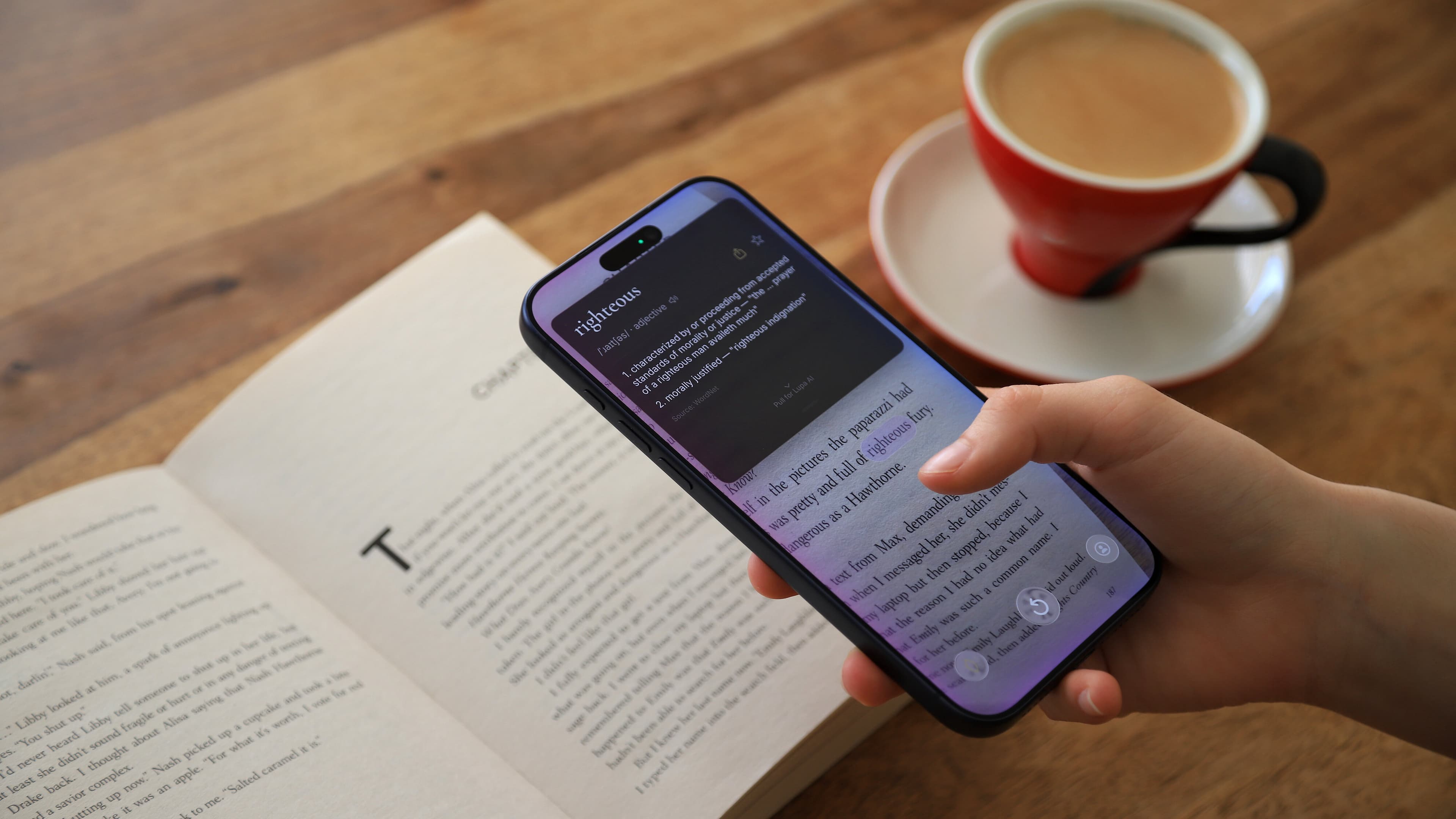
iOS Application
Lupa Vision
Point your camera at any page, tap a word, understand it in seconds.
A reading lens for readers who refuse to stop mid-sentence.
The moment
The spell breaks.
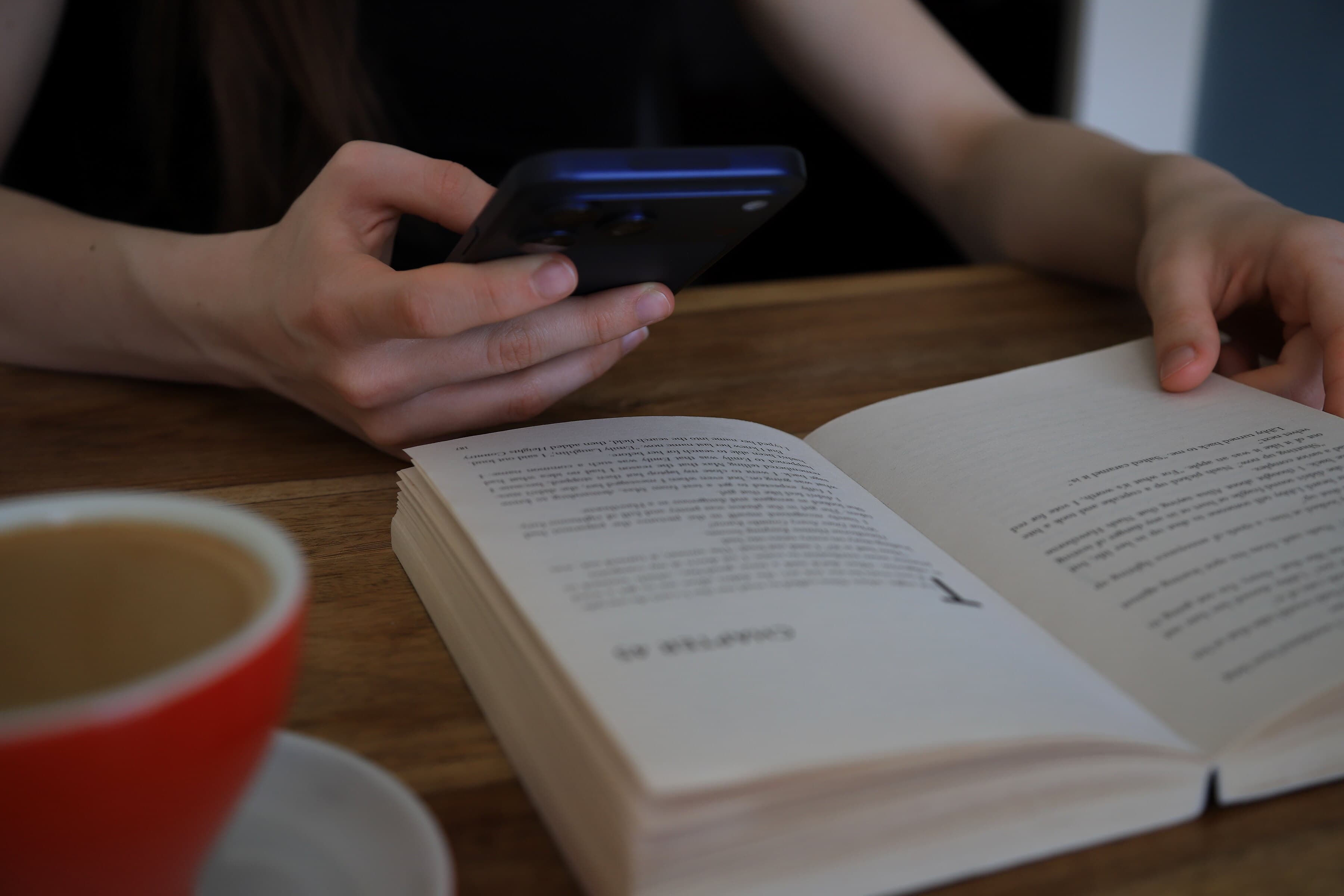
You're deep in a novel. Lost in the prose. Then — a word you don't recognize.
You reach for your phone. Unlock. Open a translator. Type the word. Squint at results. Find your place on the page.
The moment is gone.
Lupa doesn't translate pages. It translates moments — the small friction between you and the next paragraph.
How it works
Point. Tap. Know.
01
Point
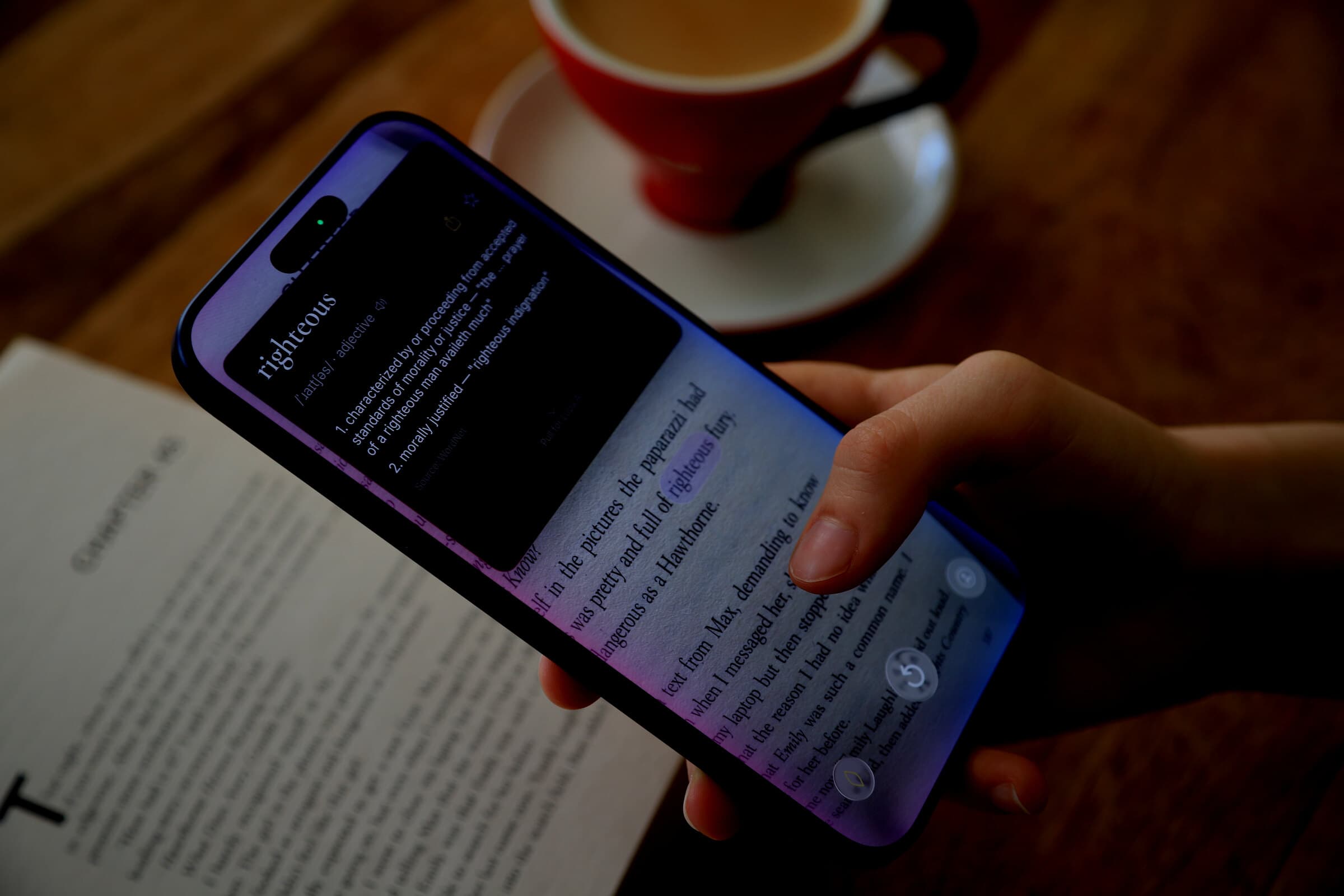
Open Lupa straight from the Action Button. The camera stabilizes on the page, so every word sits still — even if your hand doesn't.
02
Tap
Tap the word you want. Hold and drag to extend the selection across a phrase. A haptic tick confirms every word boundary.
03
Know
An instant offline definition from the local dictionary. Pull down for a context-aware answer from Lupa AI — it reads the surrounding sentence for you.
Instant definitions
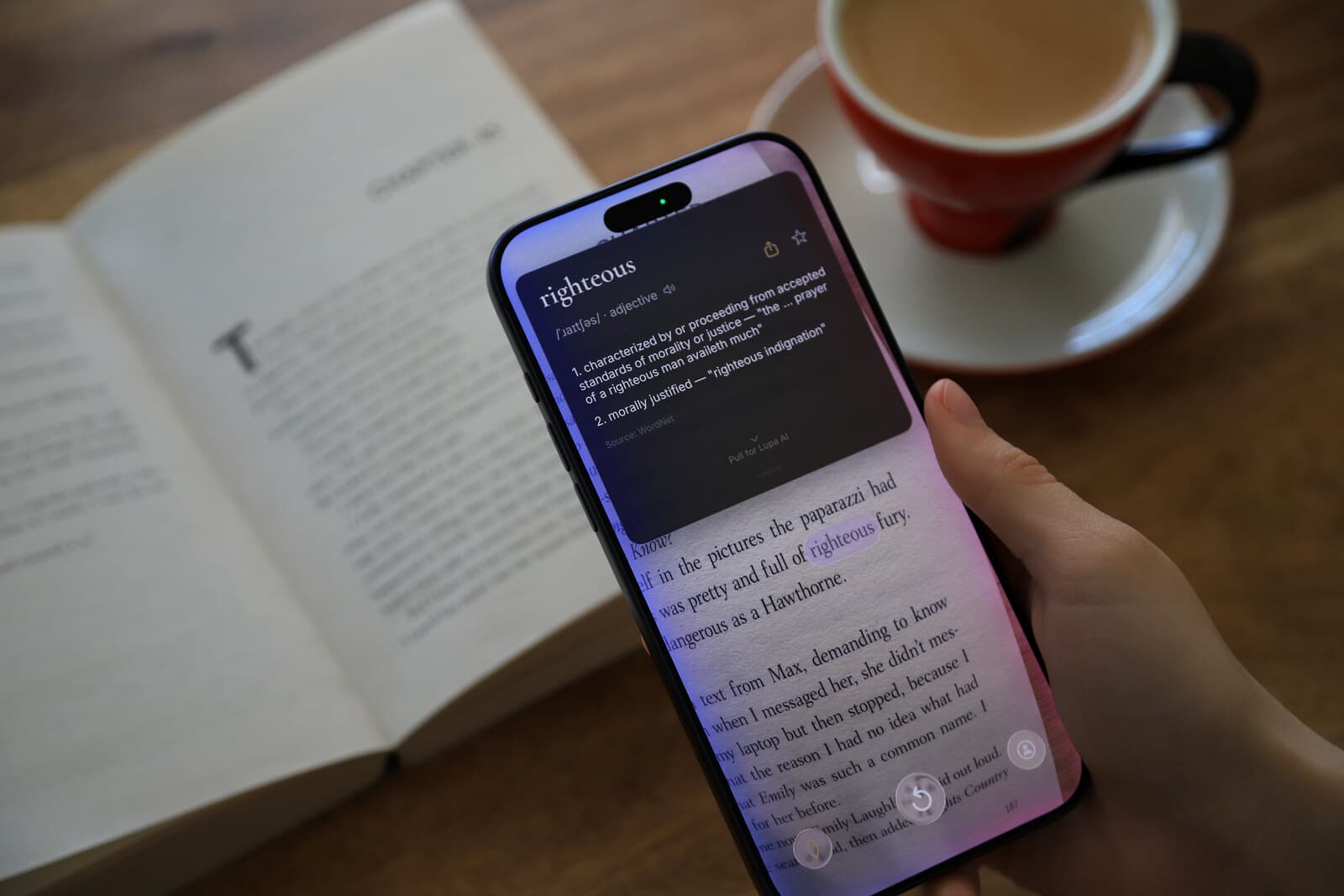
A dictionary in the lens.
A local dictionary is bundled into the app — 155,000 words with pronunciation, part of speech, and examples. All offline. Zero wait. Every definition arrives before you can think about reaching for another app.
Lookups & Glossary
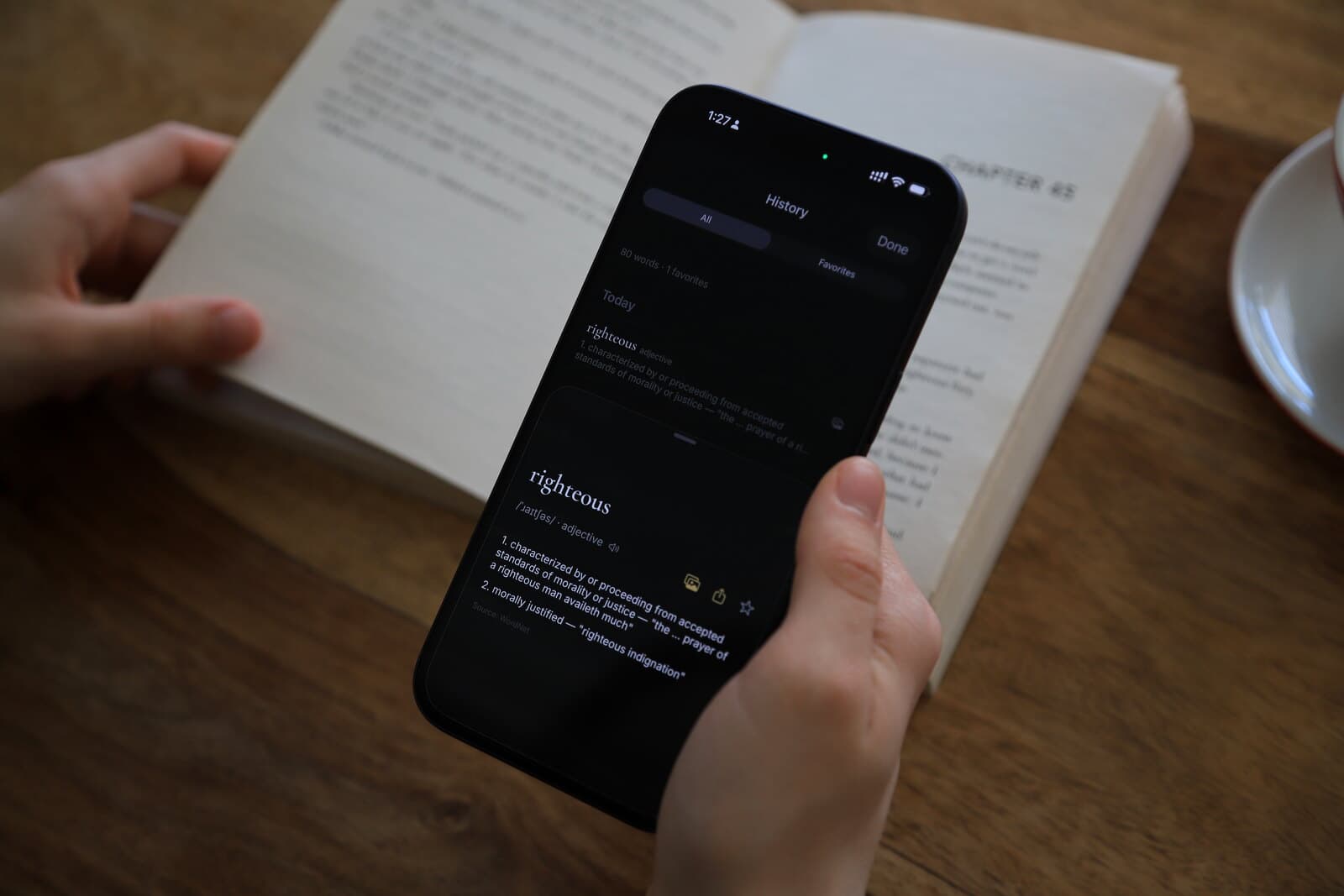
Every word, saved by default.
Every lookup lands in your list, grouped by day. Star the ones worth keeping and they move into your Glossary. Your reading becomes a quiet record of the words you were curious about — and the ones you chose to learn.
See it move
The gesture, not the gimmick.
Tap to select
A single tap lands on a word. Hold and drag to extend across a phrase. The card appears the instant your finger lifts.
Voice, when your hands are full
Hold on the page, say the word. Lupa matches what you spoke against what's on screen and picks the right one.
Quick access
One tap from anywhere.
Pin Lupa to your Home Screen, Lock Screen, Control Center, or the Action Button. A daily Today's Word widget brings a word from your library to your home screen each morning — tap to open it in seconds.
Small
Open Lupa
Launches the camera in under two seconds.
Small
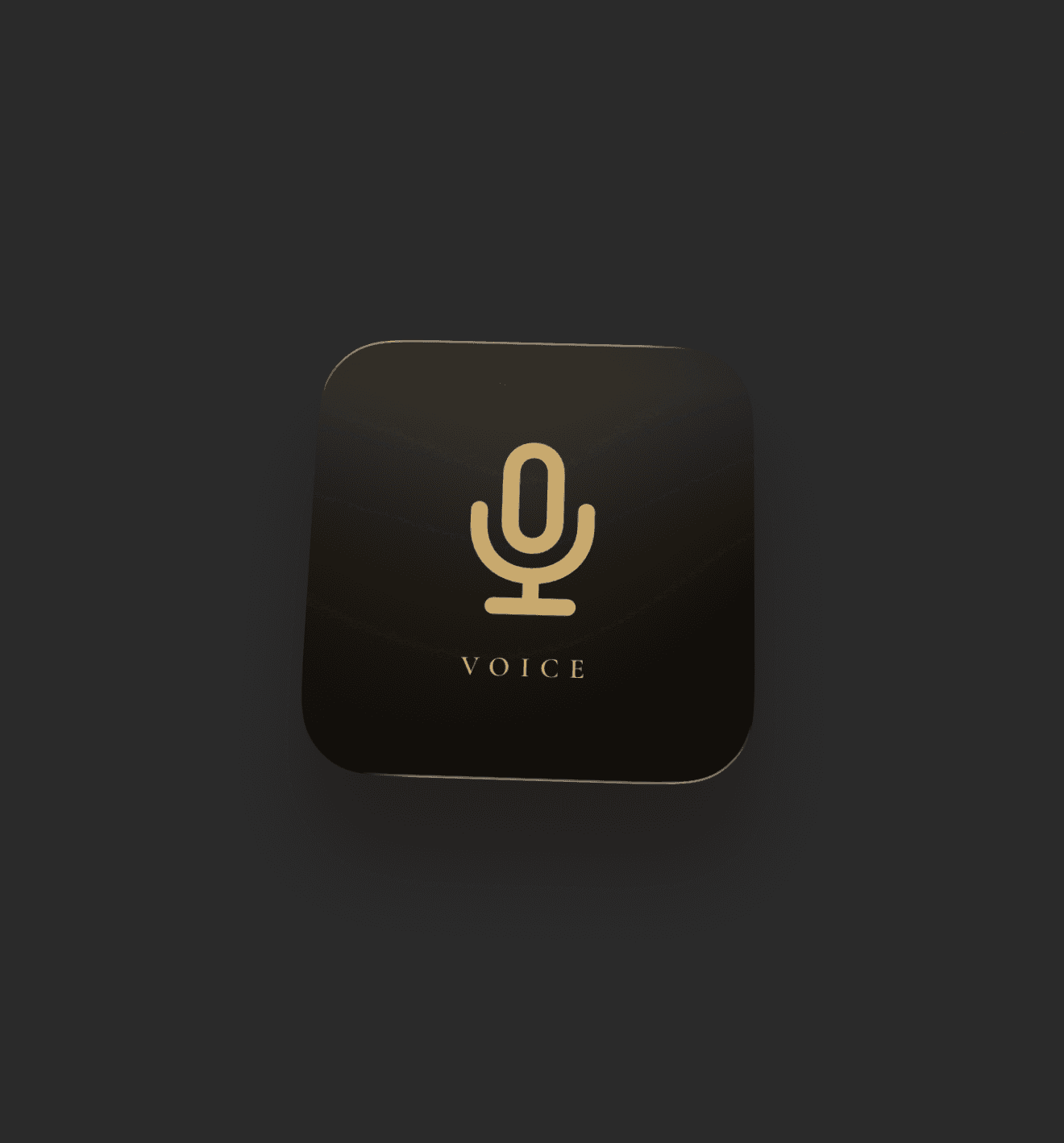
Voice search
Opens straight into voice mode — say the word.
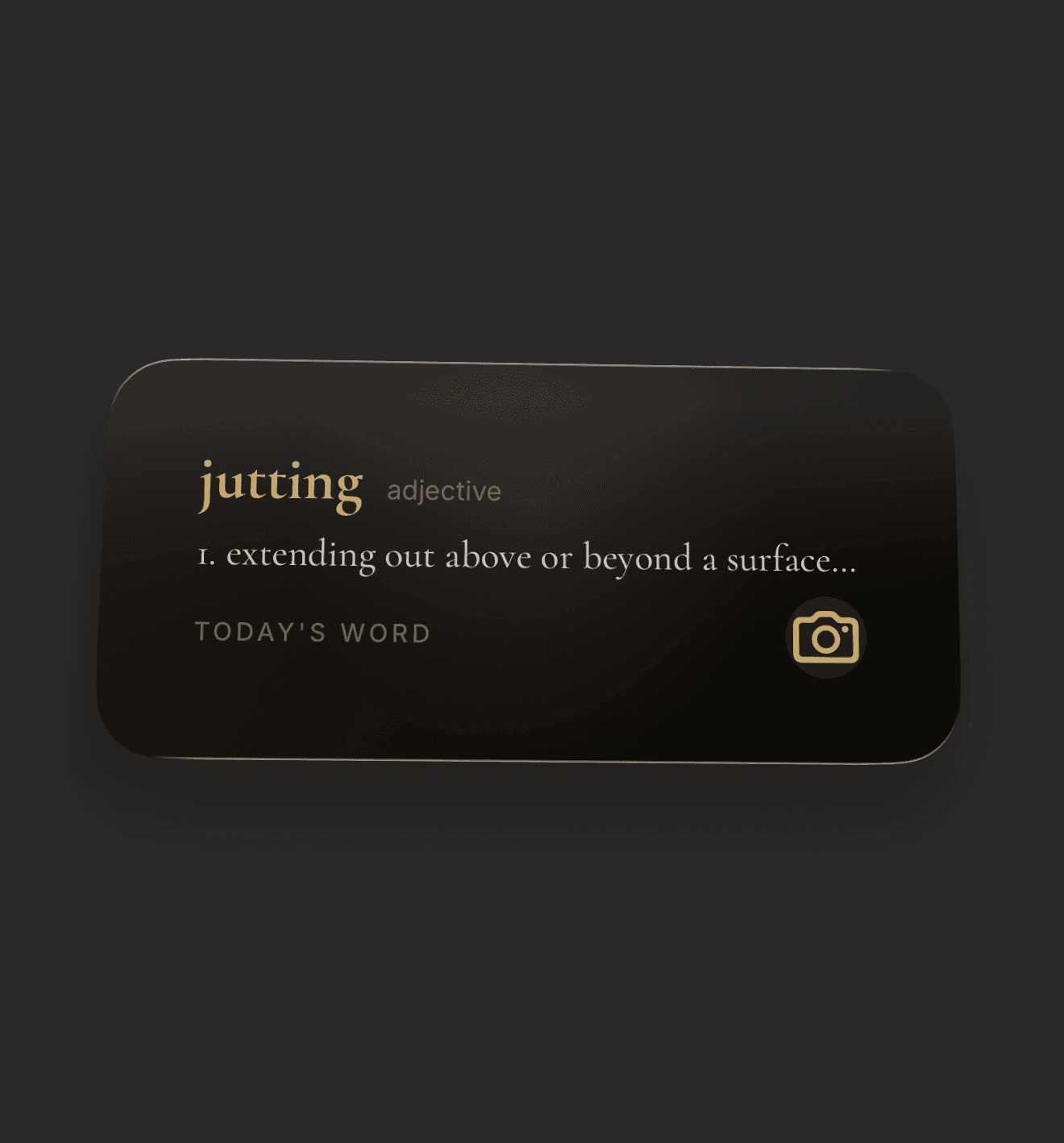
Medium
Today's Word
A new word from your library, every morning.
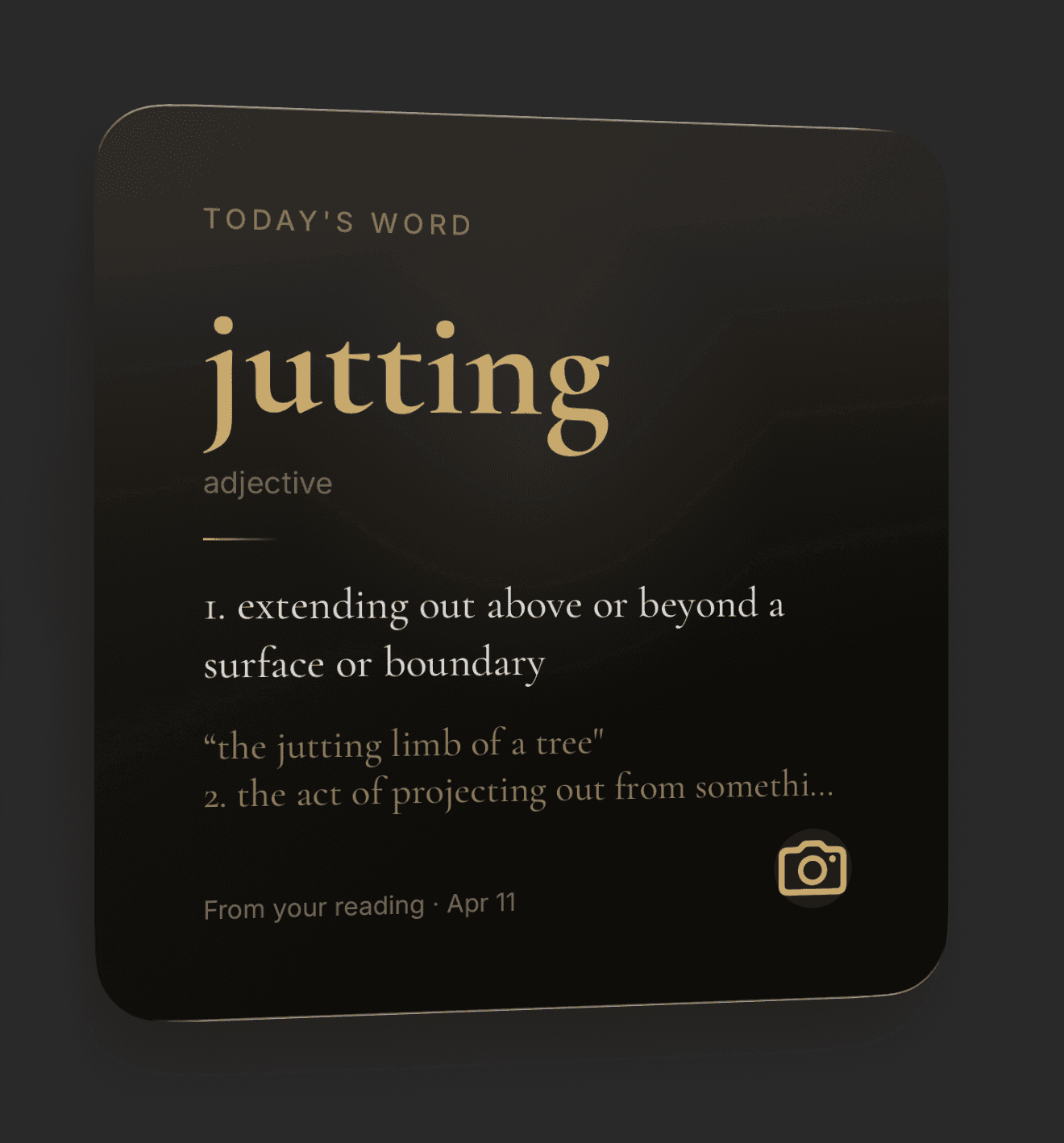
Large
Today's Word
Full definition, example, and where you found it.
Widgets work on iPhone 15 and newer running iOS 18 or later. The Action Button shortcut is available on iPhone 15 Pro and iPhone 16 series.
The details
Crafted for readers
who care about the details.
Pronunciation, your voice
Hear every word read aloud in the voice you choose — British or American, male or female. Pick once in Settings; Lupa keeps it across every lookup.
Nested lookups
Every word inside a definition is tappable. Stack up to three cards deep and pop back without losing your place.
Lupa AI
Pull the definition card down for a context-aware answer. Lupa AI reads the surrounding sentence — not just the word.
Cloud sync
Sign in and your lookups and Glossary sync across devices. Start a lookup on your phone, find it on your other phone.
The Action Button
On iPhone 15 Pro and newer, Lupa opens in under two seconds. Press, aim, read. No app icon in between.
Made to feel alive *
Look closely at the live view — that's your front camera, rendered as a reflection on the lens. Because even a reading tool should feel alive.
*The lens reflection uses your front camera in real time. Nothing is recorded, streamed, or stored — the feed is rendered on-device and can be turned off in Settings. The front camera is used for this reflection and nothing else. For exactly what Lupa does and doesn't store, see our Privacy Policy. We take your privacy seriously.
“A reader’s glass.”
Pricing
Free, forever.
Premium, when you're ready.
Offline definitions are free for everyone. Premium unlocks unlimited Lupa AI, voice selection, spoken pronunciation, unlimited history with cloud sync, and export.
Free
The reading lens. Unlimited offline definitions. Always yours.
- Unlimited offline lookups
- Pronunciation (IPA)
- 20 Glossary entries
- Last 100 lookups
- Action Button support
Premium
or €24.99 / year · 7-day free trial
Everything in Free, with AI definitions that read the sentence around your word.
- Unlimited Lupa AI lookups
- Voice word selection
- Pronunciation in British or American voice
- Unlimited Glossary entries
- Unlimited lookup history + cloud sync
- Save snapshot & audio per lookup
- Export to CSV or full backup
Launch pricing. Subscriptions auto-renew via the App Store and can be cancelled anytime. See Terms and Privacy Policy.
Available on the App Store
Your reading lens.
Point. Tap. Know. Back to reading in under three seconds.